Spring Cloud Task is a microservices framework that enables developers to create and manage short-lived microservices, commonly known as tasks. Unlike typical long-running microservices, tasks are designed to execute a specific piece of logic, complete their work, and then terminate. This approach is especially useful for batch processing, ETL jobs, and other finite operations.
Key Concepts of Spring Cloud Task
- Task Definition: A task in Spring Cloud Task is any application that completes its work and then ends. It could be a Spring Boot application that performs a database migration or a data processing job.
- Task Execution: Each run of a task is considered a task execution. Spring Cloud Task provides detailed metadata about each execution, such as start time, end time, exit status, and more.
- Integration with Spring Batch: Spring Cloud Task can integrate seamlessly with Spring Batch to handle complex batch processing jobs.
Setting Up Spring Cloud Task
Step 1: Add Dependencies
Create a new Spring Boot project using Spring Initializr (https://start.spring.io/). Include these necessary dependencies in your pom.xml
For Maven:
<!-- Spring cloud tasks -->
<dependency>
    <groupId>org.springframework.cloud</groupId>
    <artifactId>spring-cloud-starter-task</artifactId>
</dependency>
<!-- RAM H2 Database -->
<dependency>
    <groupId>com.h2database</groupId>
    <artifactId>h2</artifactId>
    <scope>runtime</scope>
</dependency>
Step 2: Create a Task Application
Create a simple Spring Boot application that performs a specific task. For this example, we will create a task that prints a message to the console.
package com.example.demo;

import org.springframework.boot.CommandLineRunner;
import org.springframework.boot.SpringApplication;
import org.springframework.boot.autoconfigure.SpringBootApplication;
import org.springframework.cloud.task.configuration.EnableTask;
import org.springframework.context.annotation.Bean;

@SpringBootApplication
@EnableTask
public class DemoApplication {

  public static void main(String[] args) {
    SpringApplication.run(DemoApplication.class, args);
  }

  @Bean
  public CommandLineRunner commandLineRunner() {
    return args -> System.out.println("Hello, Spring Cloud Task!");
  }

}
In this example, the @EnableTask annotation enables Spring Cloud Task support, and the CommandLineRunner bean defines the task’s logic.
Step 3: Configure Task Metadata Storage
Spring Cloud Task requires a data store to persist task execution metadata. You can configure a database like H2, MySQL, or PostgreSQL in your application.properties file.
For an in-memory H2 database:
spring.datasource.url=jdbc:h2:mem:testdb
spring.datasource.driverClassName=org.h2.Driver
spring.datasource.username=sa
spring.datasource.password=password
spring.datasource.platform=h2

spring.datasource.initialize=true
Step 4: Run the Task
Run your Spring Boot application. Each time the application starts and completes its work, it creates a new task execution entry in the metadata store.
mvn spring-boot:run
Code available here
Advanced Example: Integrating with Spring Batch
Spring Cloud Task can be used to run Spring Batch jobs. Here’s an example of how to integrate a Spring Batch job with Spring Cloud Task.
Step 1: Add Dependencies
Include the Spring Batch dependency along with Spring Cloud Task.
For Maven:
<dependency>
    <groupId>org.springframework.cloud</groupId>
    <artifactId>spring-cloud-starter-task</artifactId>
</dependency>
<dependency>
    <groupId>org.springframework.boot</groupId>
    <artifactId>spring-boot-starter-batch</artifactId>
</dependency>
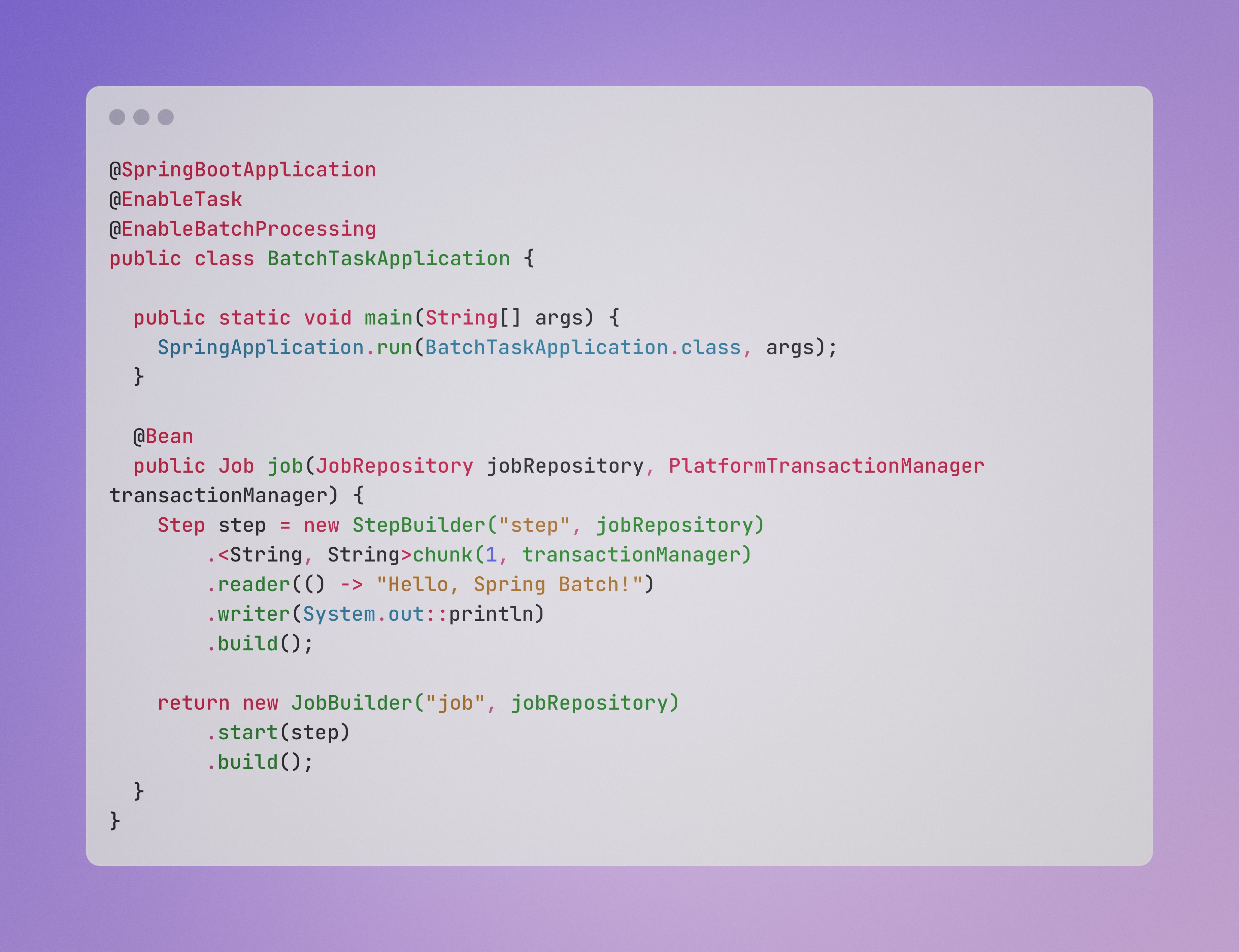
Step 2: Define a Batch Job
Create a simple batch job that processes data from a CSV file and writes it to the console.
package com.example.demo;

import org.springframework.batch.core.Job;
import org.springframework.batch.core.JobParametersBuilder;
import org.springframework.batch.core.Step;
import org.springframework.batch.core.configuration.annotation.EnableBatchProcessing;
import org.springframework.batch.core.job.builder.JobBuilder;
import org.springframework.batch.core.launch.JobLauncher;
import org.springframework.batch.core.repository.JobRepository;
import org.springframework.batch.core.step.builder.StepBuilder;
import org.springframework.boot.CommandLineRunner;
import org.springframework.boot.SpringApplication;
import org.springframework.boot.autoconfigure.SpringBootApplication;
import org.springframework.cloud.task.configuration.EnableTask;
import org.springframework.context.annotation.Bean;
import org.springframework.core.env.Environment;
import org.springframework.transaction.PlatformTransactionManager;

@SpringBootApplication
@EnableTask
@EnableBatchProcessing
public class BatchTaskApplication {

	public static void main(String[] args) {
		SpringApplication.run(BatchTaskApplication.class, args);
	}

	@Bean
	public Job job(JobRepository jobRepository, PlatformTransactionManager transactionManager) {
		Step step = new StepBuilder("step", jobRepository)
				.<String, String>chunk(1, transactionManager)
				.reader(() -> "Hello, Spring Batch!")
				.writer(System.out::println)
				.build();

		return new JobBuilder("job", jobRepository)
				.start(step)
				.build();
	}
}
Step 3: Configure Batch Metadata Storage
Spring Batch requires its own set of tables for metadata. Configure these in your application.properties.
spring.batch.initialize-schema=always
Since batch 5.0 some extra configuration is needed to automatically configure tables
See this stackoverflow for details
@Configuration
@EnableConfigurationProperties(BatchProperties.class)
public class BatchConfig {
    @Bean
    @ConditionalOnMissingBean(BatchDataSourceScriptDatabaseInitializer.class)
    BatchDataSourceScriptDatabaseInitializer batchDataSourceInitializer(
	DataSource dataSource,
	@BatchDataSource ObjectProvider<DataSource> batchDataSource,
	BatchProperties properties) {
            return new BatchDataSourceScriptDatabaseInitializer(
	            batchDataSource.getIfAvailable(() -> dataSource),
                properties.getJdbc());
    }
}
Step 4: Running your job via the JobLauncher
There are a couple of ways you can run your job (a scheduler etc) but for simplicity we will run it from our CommandLineRunner so that it runs when the service starts as a proof of concept.
    @Bean
    public CommandLineRunner commandLineRunner(JobLauncher jobLauncher, Job job, Environment environment) {
        return args -> {
            jobLauncher.run(job, new JobParametersBuilder()
                    .addLong("time", System.currentTimeMillis())
                    .toJobParameters());
        };
    }
Code available here
Conclusion
Spring Cloud Task is a powerful framework for managing short-lived microservices. By leveraging its integration with Spring Batch, developers can build robust, scalable solutions for processing finite tasks. Whether you are migrating data, processing files, or running batch jobs, Spring Cloud Task provides the necessary tools to streamline your workflow and ensure successful task execution.